


Keep useful thoughts
close

Collect ideas, study notes, references, and anything else you’ll want to come back to

In developmentComing soon

A simple reason to come back

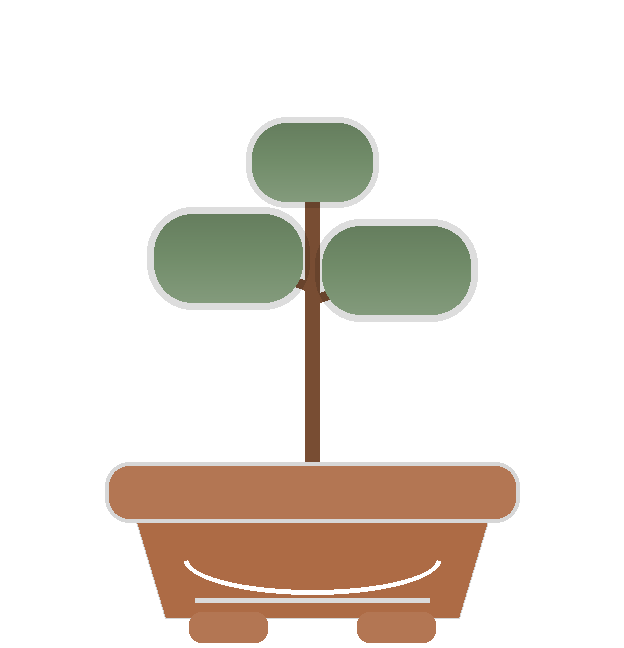
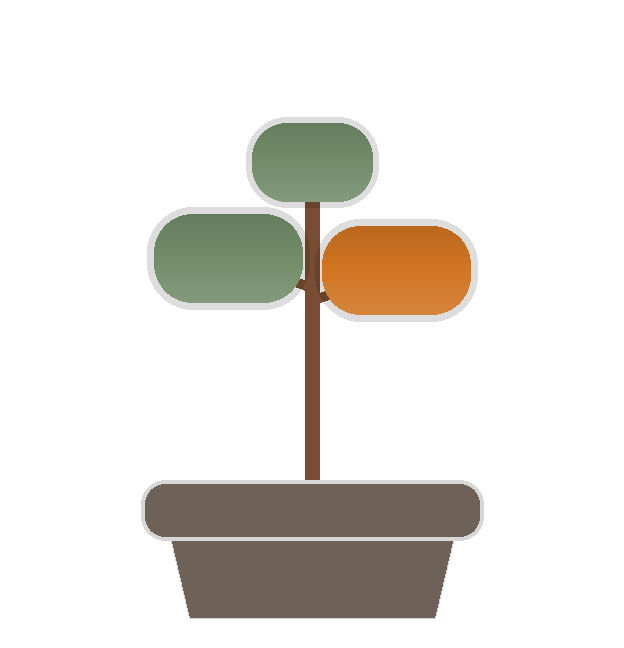
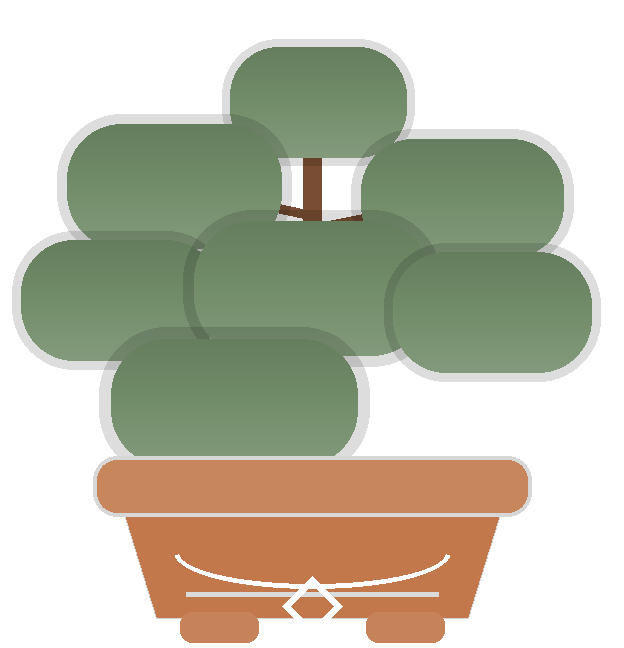
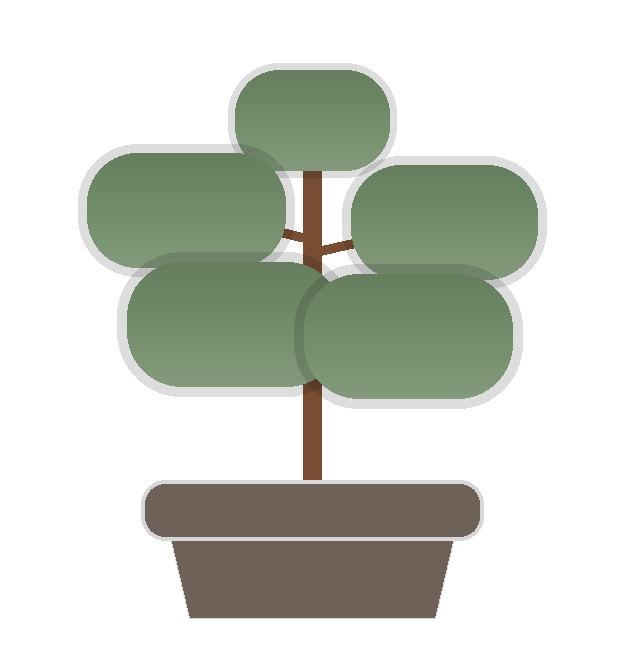
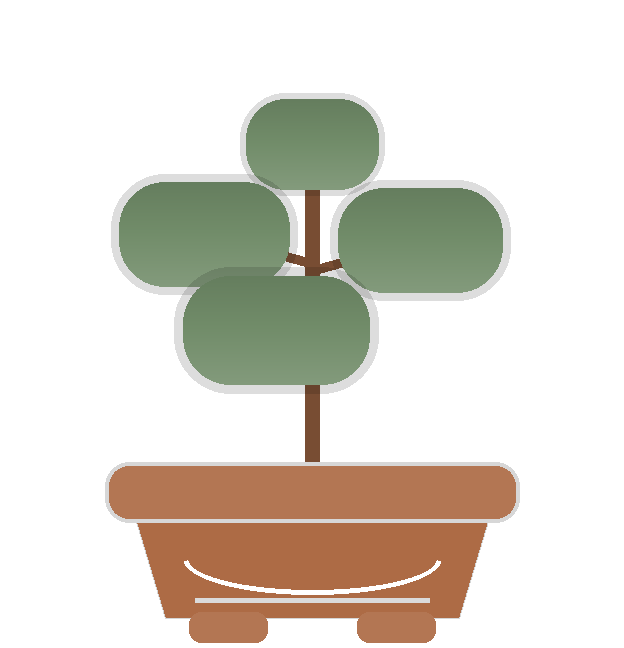
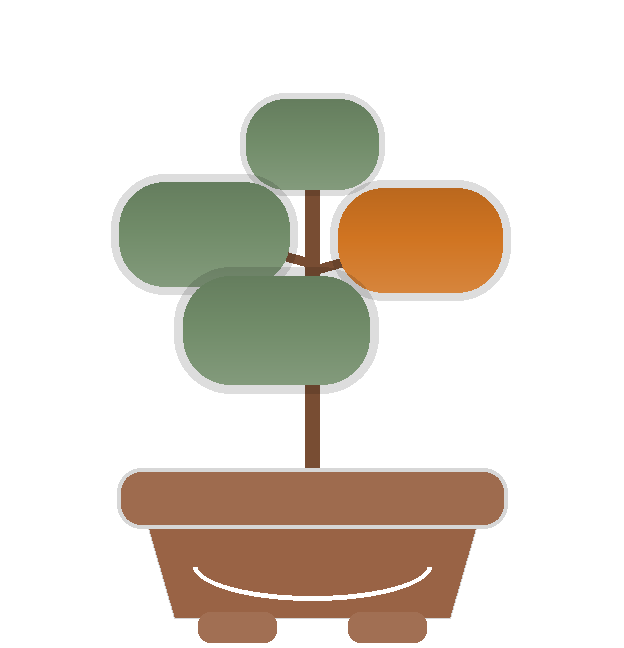
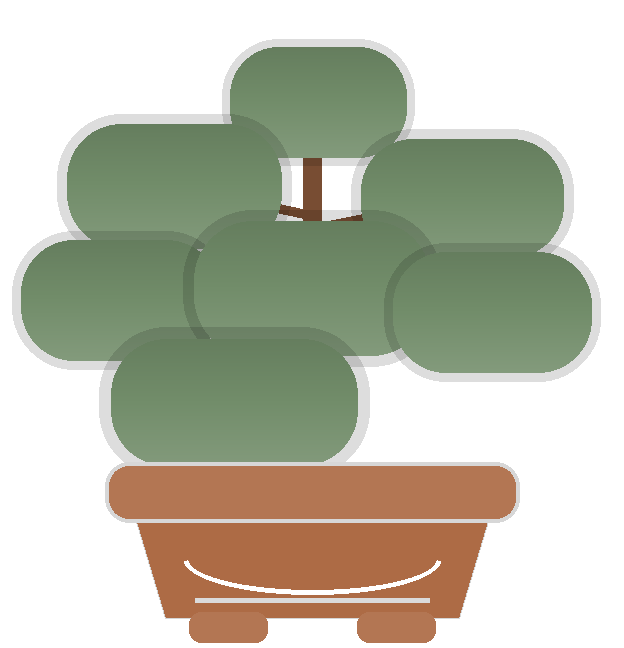
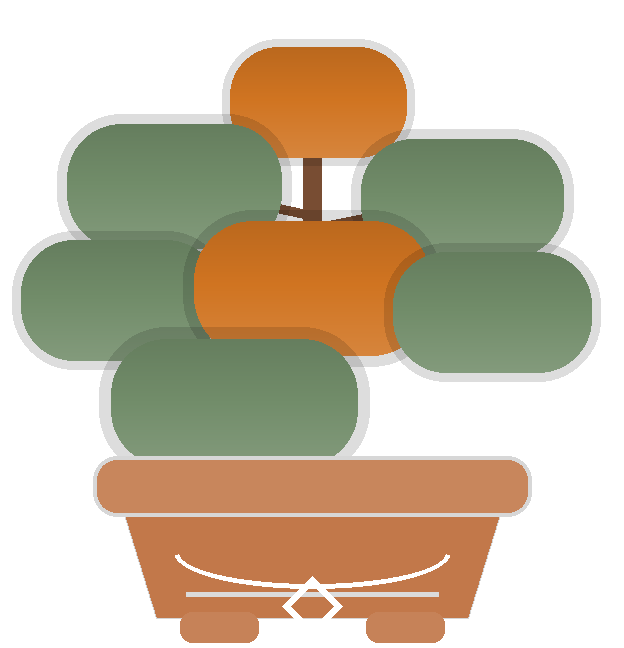
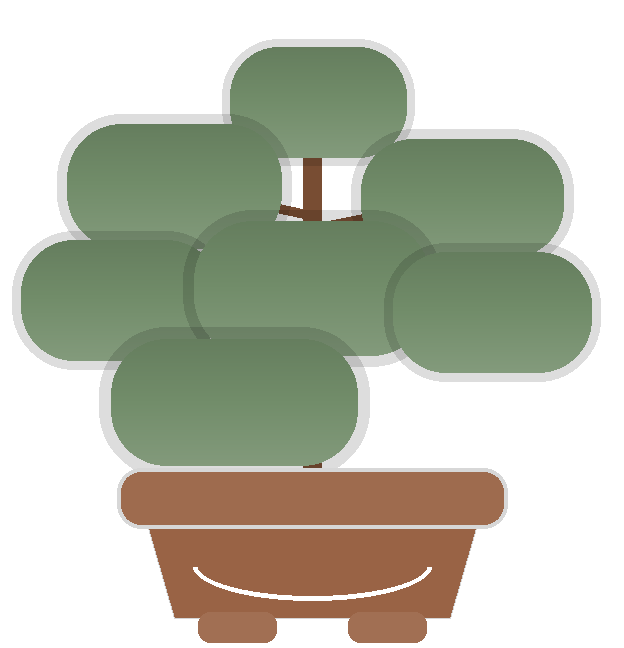
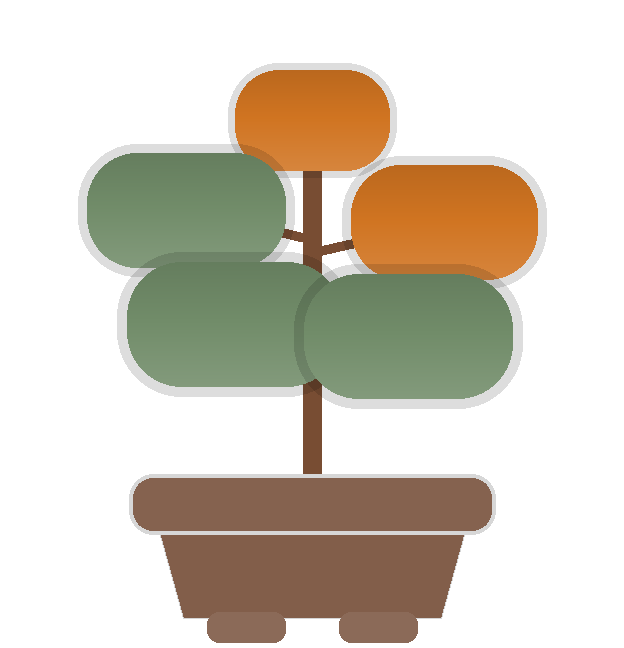
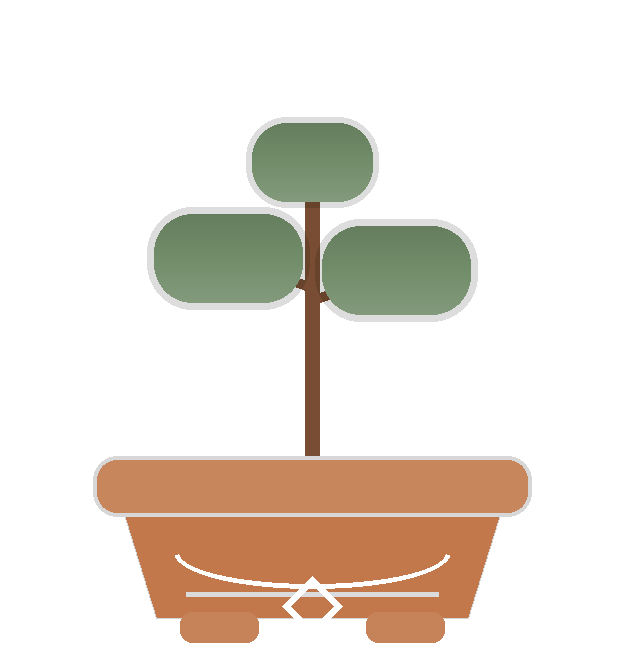
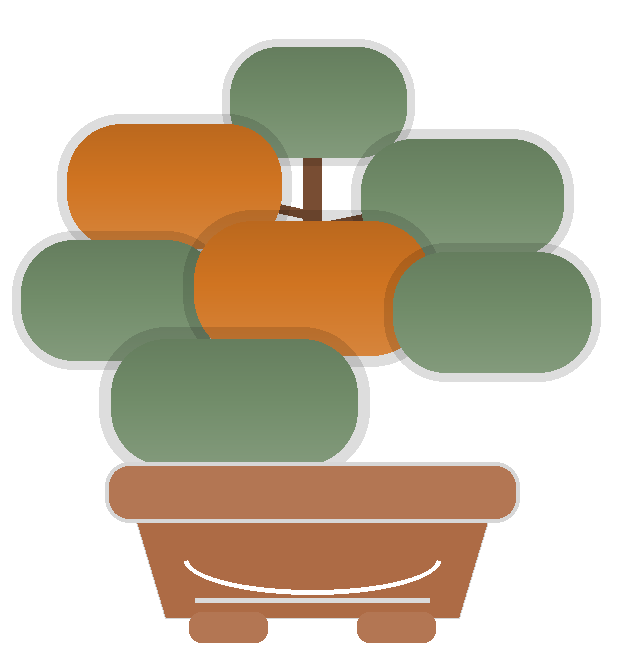
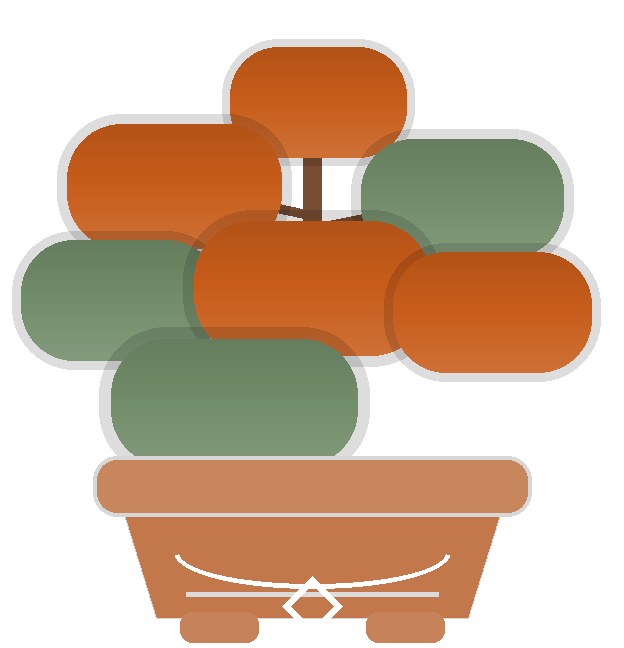
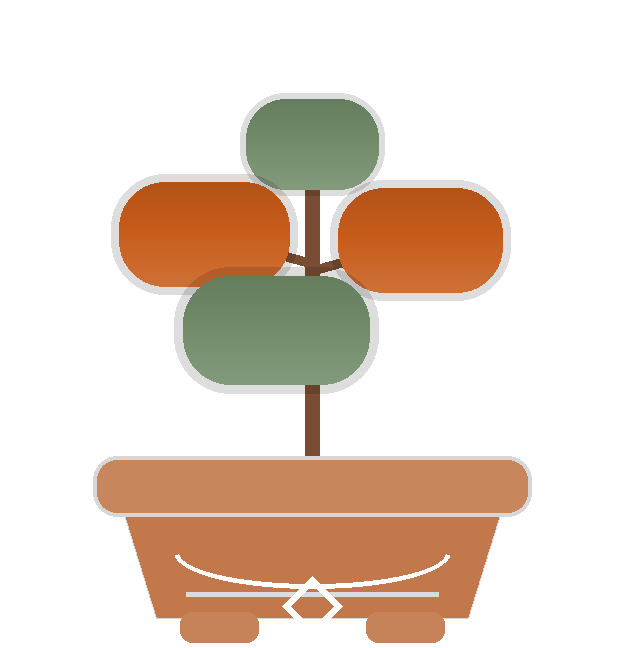
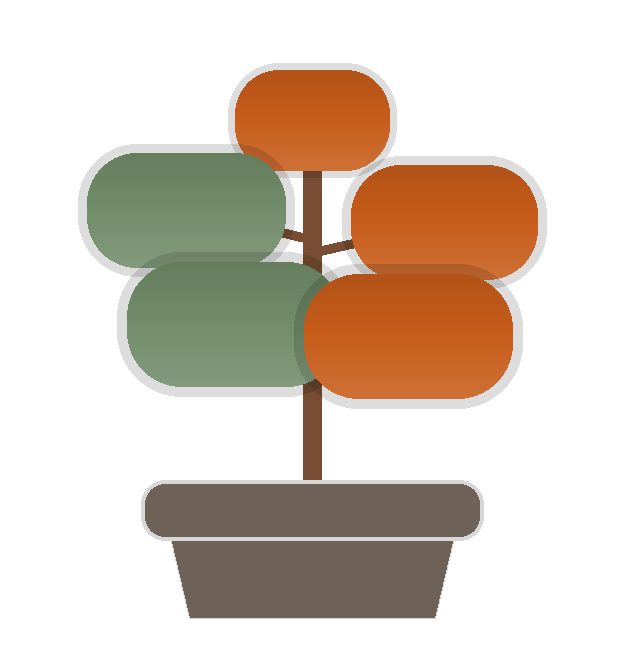
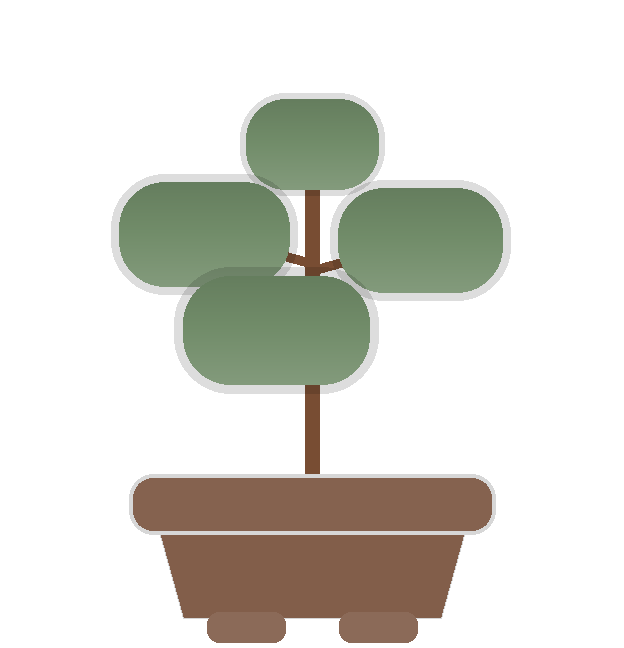
When you haven’t opened a collection for a while, its plant begins to change. Revisit it, clear the decay, and the plant returns to health.

  1. LivingNotes garden with a yellowing plant indicating a collection that needs attention

    Step 1

    See what you haven’t openedPlants change when their collections have been quiet for a while
  2. A LivingNotes card with a caterpillar covering a vowel and instructions to press and hold it

    Step 2

    Clear the decayOpen the collection and press and hold the card
  3. The LivingNotes card repaired with its complete text visible again

    Step 3

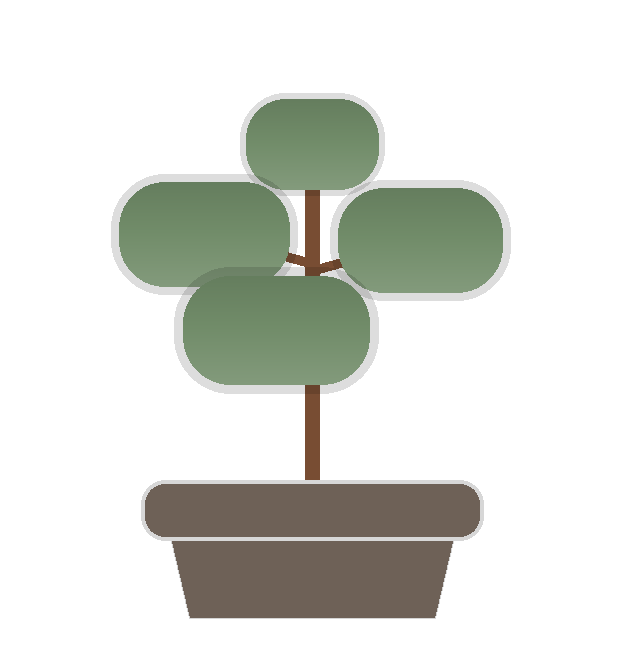
    Back to healthClearing the decay restores the card and its plant

02

Keep the small things
worth remembering

Each card gives you up to 200 characters for an idea, definition, question, quotation, or useful detail. Add another card whenever you need more room.

Keeping each card short makes the whole collection easier to scan and less overwhelming to return to.

LivingNotes on iPad showing several short note cards in a horizontal rail
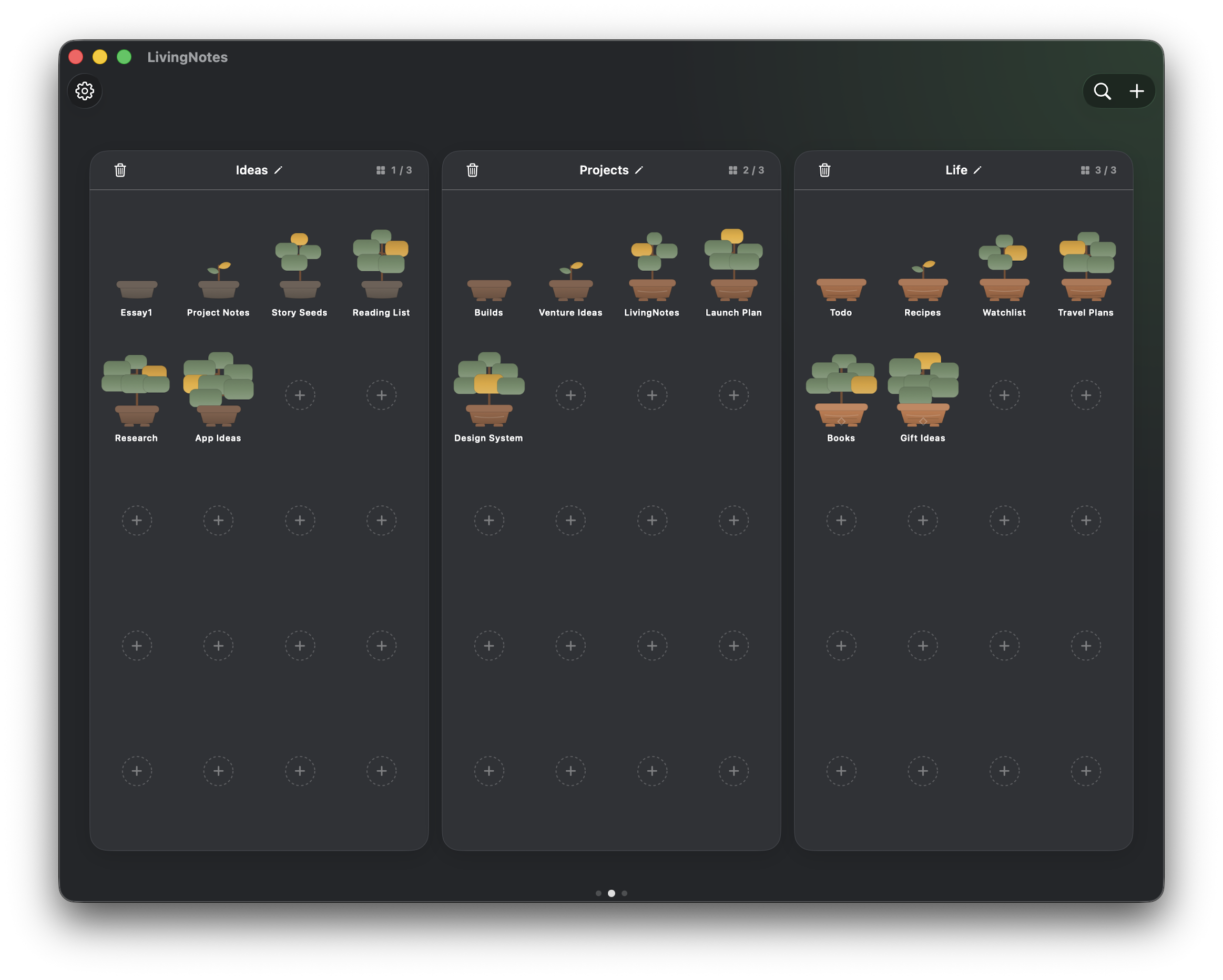
LivingNotes on Mac showing three finite garden plots with open slots

03

Find collections
at a glance

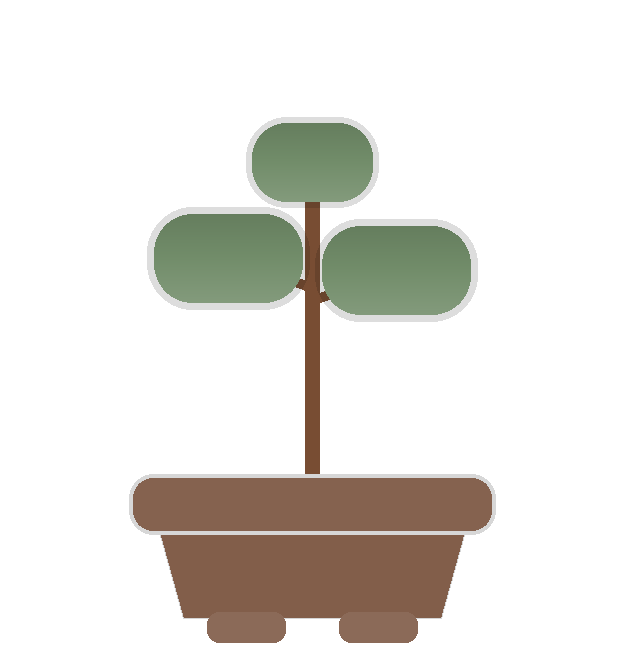
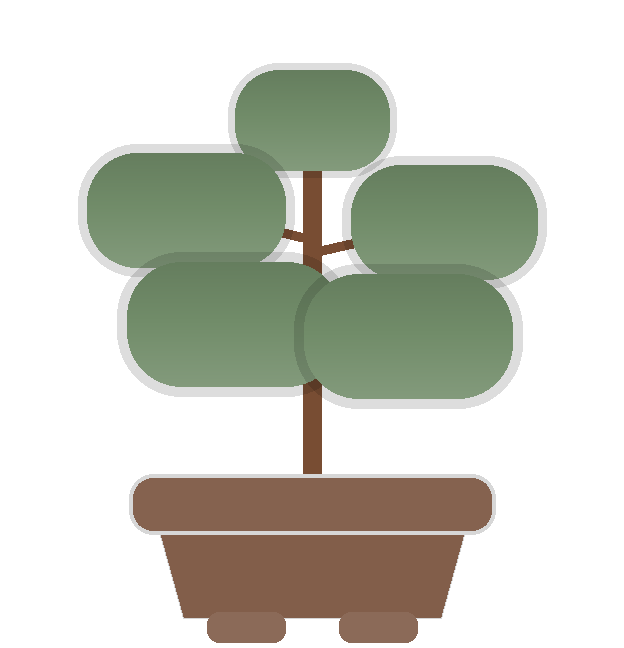
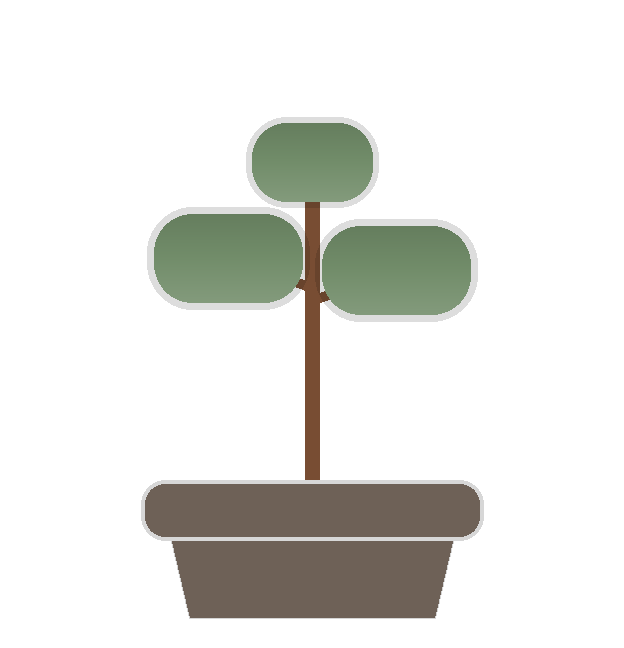
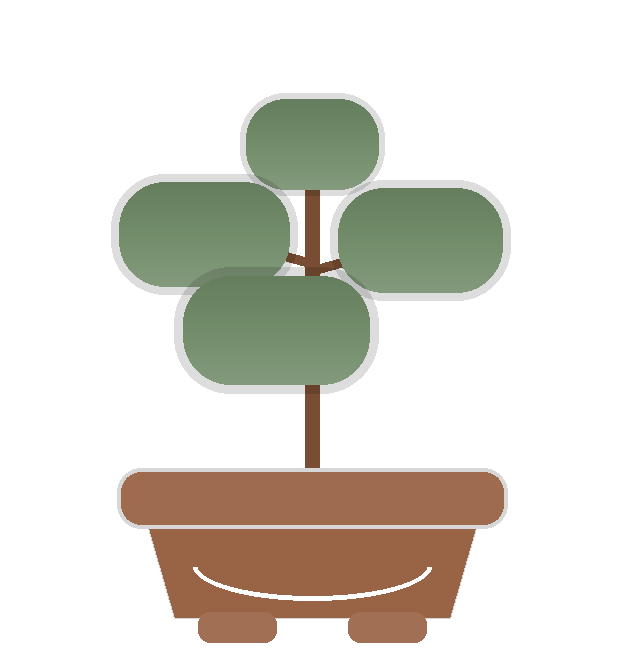
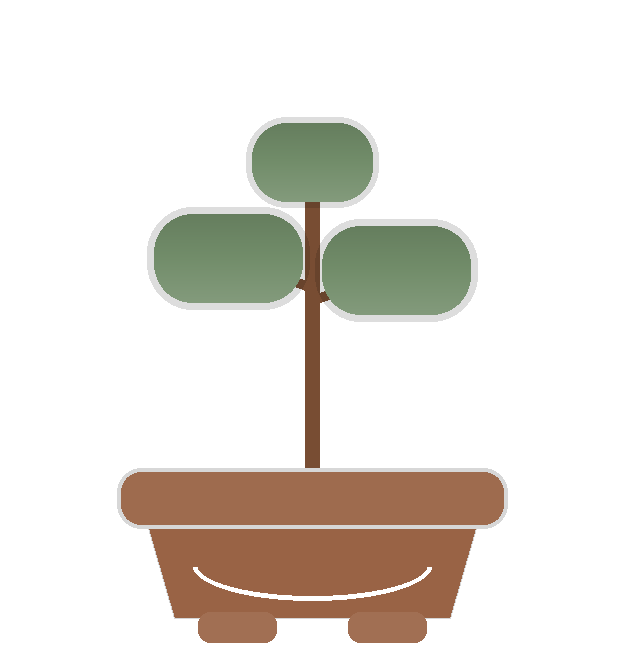
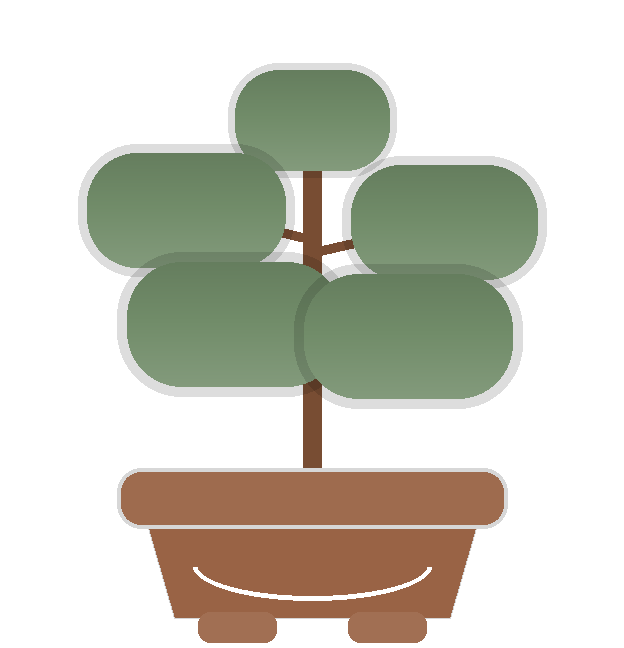
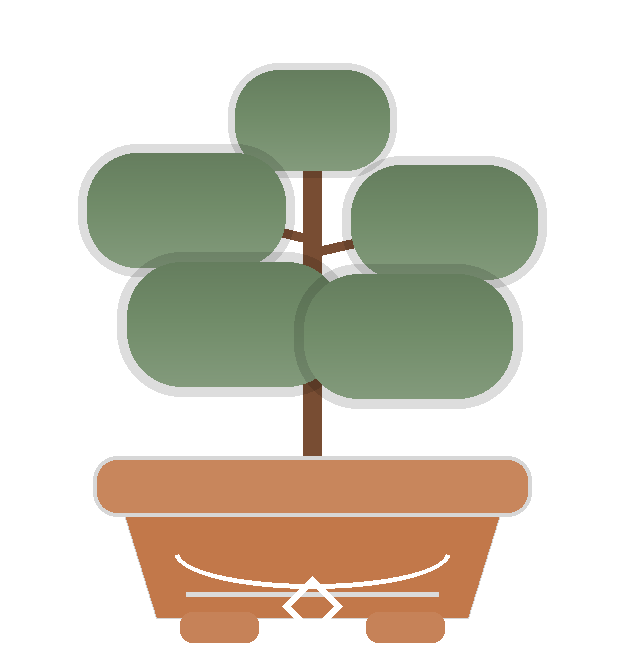
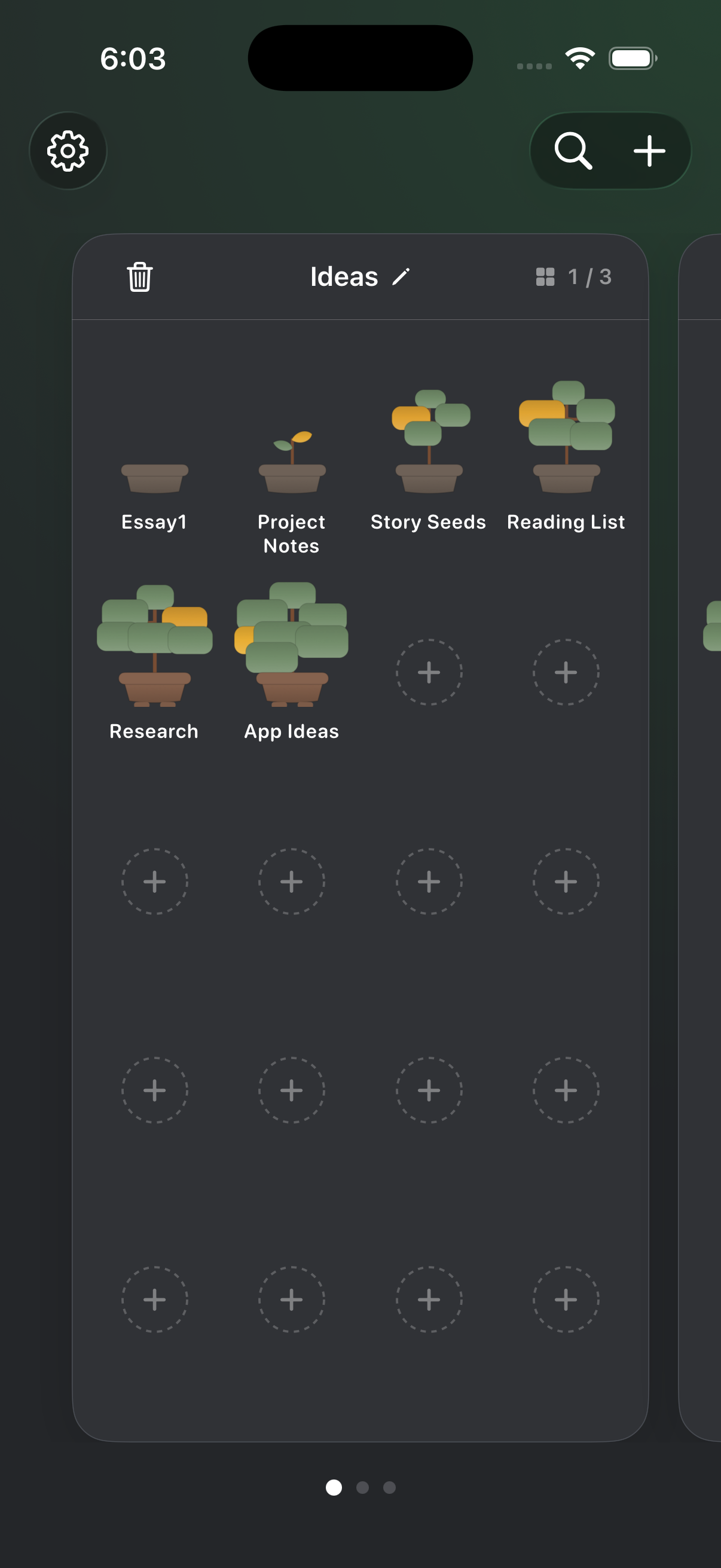
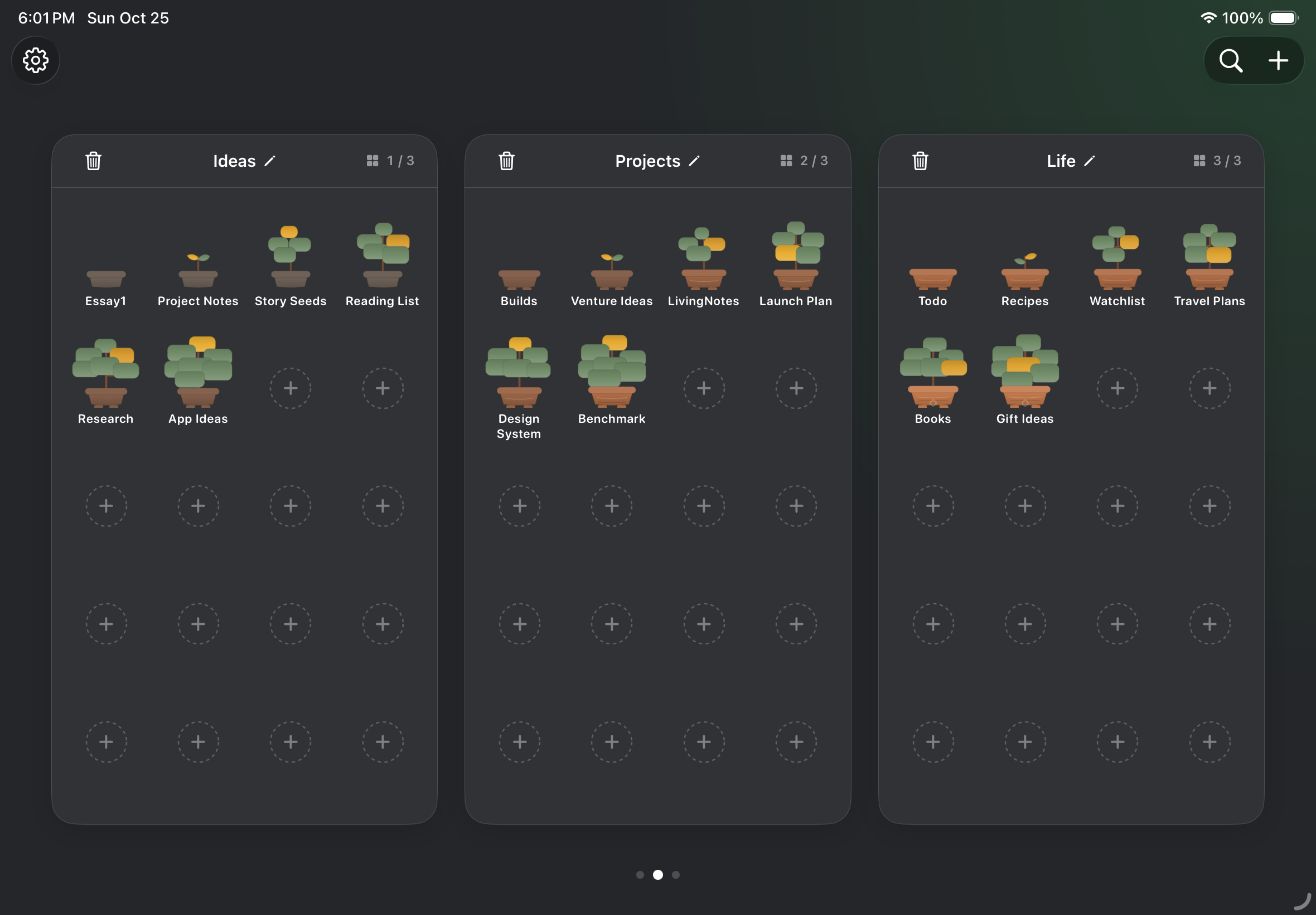
Every collection has its own plant, making subjects, projects, and references easier to recognize.

As the layout becomes familiar, you spend less time searching and more time with what you saved.

Make your notes
worth coming back to

LivingNotes is coming soon to iPhone, iPad, and Mac

In developmentComing soon